Capture
Start with five recording modes, or import audio or video and select a compatible external input.

Five recording modes, live captions and translation, on-device audio editing, structured notes, and flexible exports. Core local tools need no account; cloud AI runs only when you start it.
Connect recording, captions, editing, notes, and export in one flow, with a clear boundary between on-device tools and cloud AI you choose to start.
Start with five recording modes, or import audio or video and select a compatible external input.
Follow live captions and on-device translation while recording. On-device captions require iOS 26+; cloud captions, file transcription, and structured notes require sign-in and Credits.
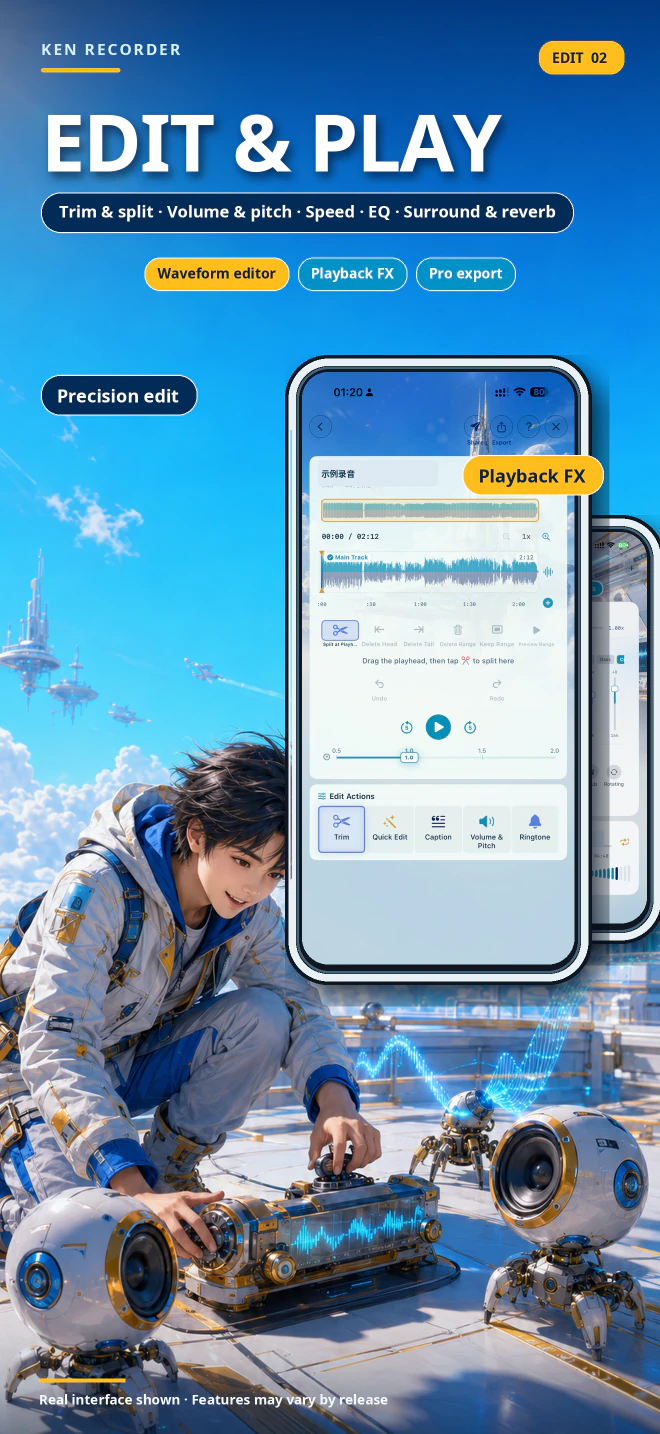
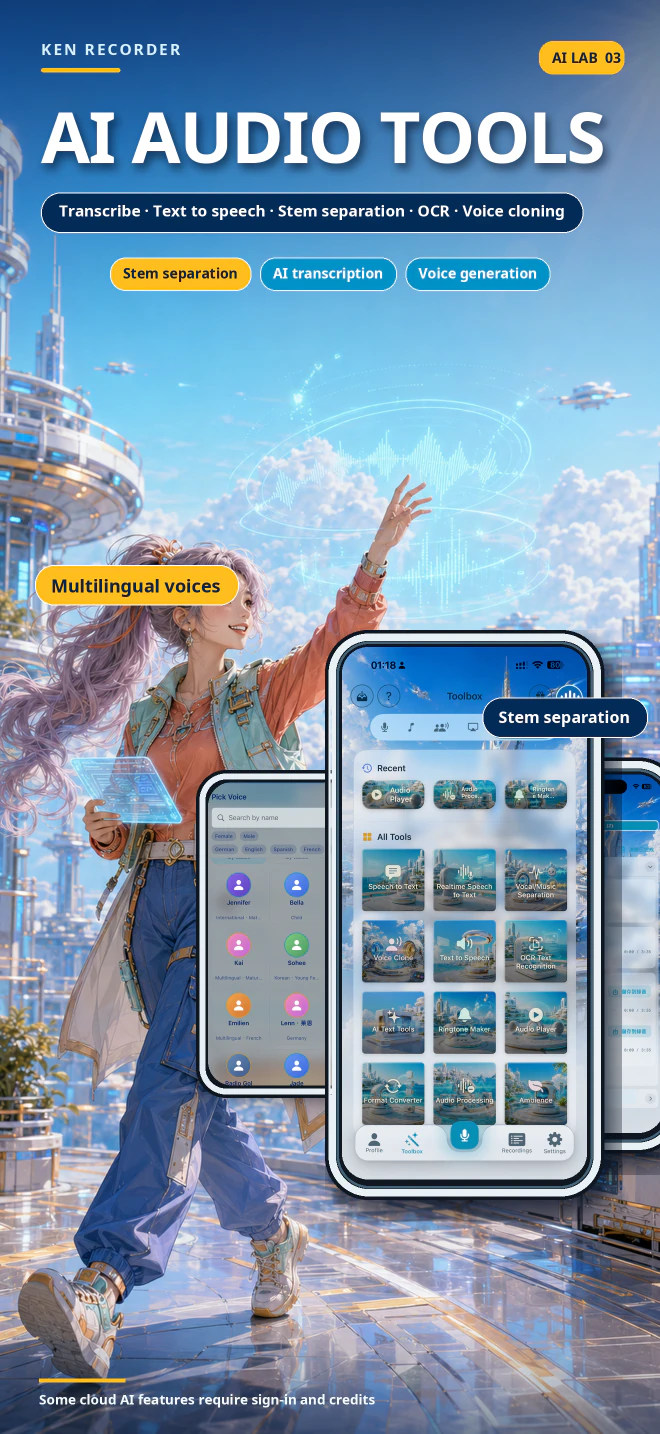
Trim, denoise, tune, and convert audio on device; use cloud stem separation, TTS, or authorized voice cloning when needed.
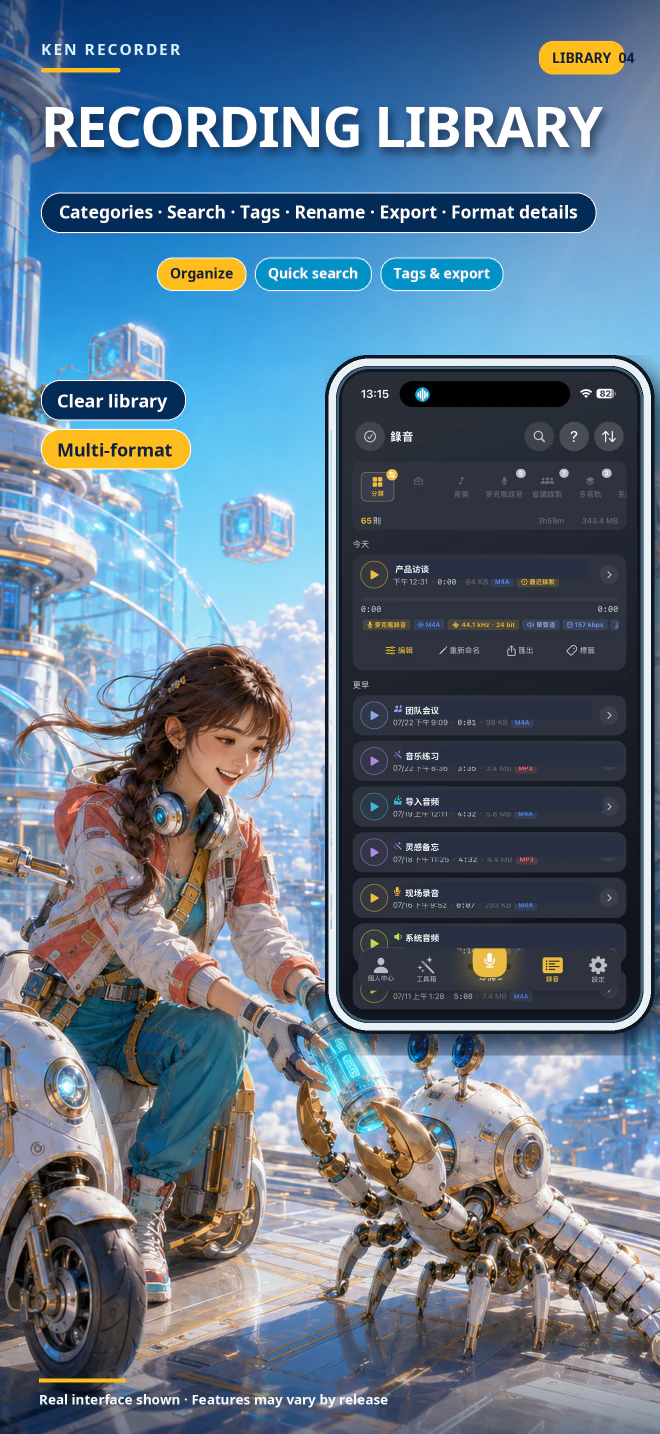
Export M4A, WAV, AIFF, FLAC, or CAF audio, M4R ringtones, and the text, document, or photo-slideshow video formats available for each result.

On iOS 26 or later, on-device captions can run offline, and supported devices can translate captions locally. Cloud captions, file transcription, AI text tools, and structured notes are started by you, require sign-in and Credits, and show an estimate first. AI results may contain errors, so review them before use or sharing.

Trim waveforms, adjust volume and pitch, run Denoise+, enhance far-field speech, tune EQ and dynamics, normalize loudness, and convert formats on device. Cloud stem separation, TTS, and voice cloning run only when you start them.
Core local tools do not upload content automatically. Audio, images, or text are sent only when you start cloud AI or another explicit upload feature, and related data is kept only for a reasonable period needed to provide the service and meet legal requirements.
Ken Recorder is CyberKen's official recording, captions, and audio-editing workspace for iPhone and iPad.
Official website: kenrecorder.cyberken.cn/Ken Recorder is an all-in-one recording workspace with five recording modes, live captions and translation, timestamped file transcription, structured notes, on-device waveform editing, noise reduction, format conversion, and optional AI tools. Core recording, playback, editing, local noise reduction, conversion, and OCR need no account or network. On-device captions require iOS 26 or later; cloud AI runs only when you start it and requires sign-in and Credits. Recordings and results stay on the current device by default and do not sync across devices.
Ken Recorder is currently in App Store review. Version, price, ratings, and reviews will appear here after its public product page becomes available.
| Feature | On device | Cloud AI | Credits | Verified scope and limits |
|---|---|---|---|---|
| Home / Recording | Yes | No | No | Start with five recording modes, or import audio or video and select a compatible external input. |
| Audio Editing | Yes | No | No | Denoise+, far-field enhancement, noise gate, EQ, and loudness normalization run on device |
| Live Captions / Transcription | Depends on path | Optional | Depends on path | Follow live captions and on-device translation while recording. On-device captions require iOS 26+; cloud captions, file transcription, and structured notes require sign-in and Credits. |
| Stem separation | No | Required | Required | Cloud stem separation can split vocals, accompaniment, drums, bass, and more; sign-in and Credits are required |
| TTS and voice cloning | No | Required | Required | Cloud TTS offers preset and authorized cloned voices; available controls vary by voice |
On-device availability depends on Apple system support, the device, and installed language resources. Cloud availability is shown by the current app and may change as services evolve.
User-started cloud tasks use applicable Credits. Apple subscriptions and one-time Credit packs are separate purchases; restoring a subscription does not regrant consumed one-time packs.
Core local tools do not upload content automatically. Audio, images, or text are sent only when you start cloud AI or another explicit upload feature, and related data is kept only for a reasonable period needed to provide the service and meet legal requirements.
Ken Recorder does not record telephone calls or create public online sharing links. Recording libraries do not sync across devices. System-audio capture depends on ReplayKit, DRM, the source app, and lock-screen behavior.